

Devices and channels
Device configuration
Device configuration panels, editable fields, role restrictions and save controls.
Tenant admins and super users can update most configuration fields. Basic users are limited to updating the device’s latitude and longitude only.
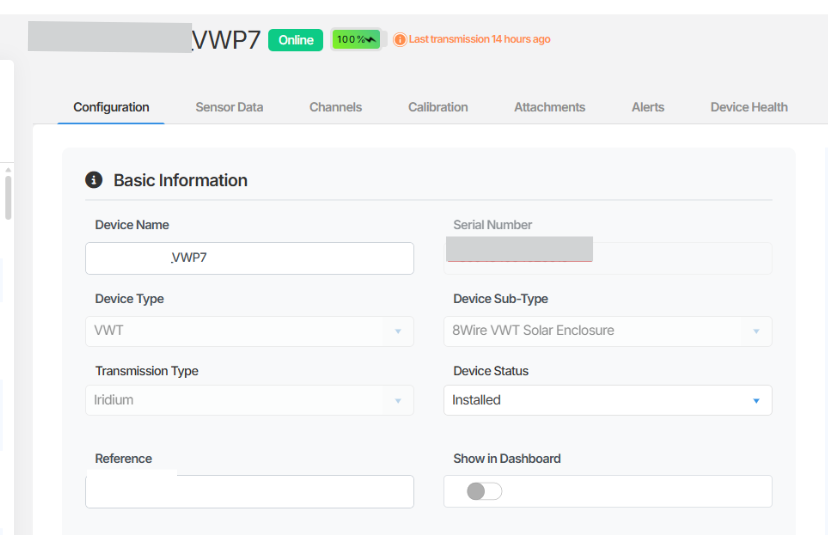
Basic information
Section titled “Basic information”This section contains the core identifying details for the device.
| Field | Description |
|---|---|
| Device Name | The display name of the device as it appears across Orion Data. |
| Device Type | The category of device hardware. |
| Device Sub-type | A further classification of the device type. |
| Transmission Type | The method by which the device transmits data. |
| Device Status | The current operational status of the device. |
| Reference | An optional reference identifier for the device or serial number. |
| Show on Map | A toggle that controls whether the device appears in Map views. |
| Date Installed | The date the device was physically installed. |
| Last Battery Change | The date the device battery was last replaced. |
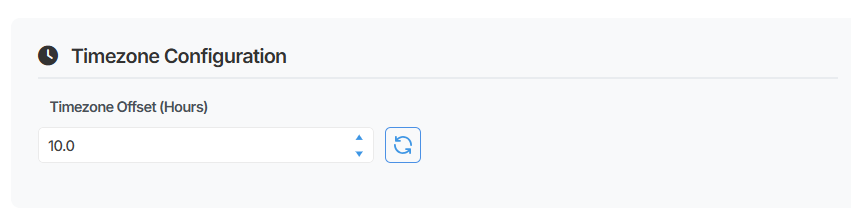
Timezone configuration
This section controls how timestamps are interpreted and displayed for the device’s data.
| Field | Description |
|---|---|
| Timezone Offset (Hours) | The offset in hours applied to the device’s data timestamps. |
Data rounding configuration
This section determines how the device’s sensor readings are rounded before being stored and displayed.
| Field | Description |
|---|---|
| Data Rounding (Minutes) | The interval in minutes to which data timestamps are rounded. |
| Data Rounding Mode | The rounding method applied. Options are Round Up , Round Down , and Round Nearest . |
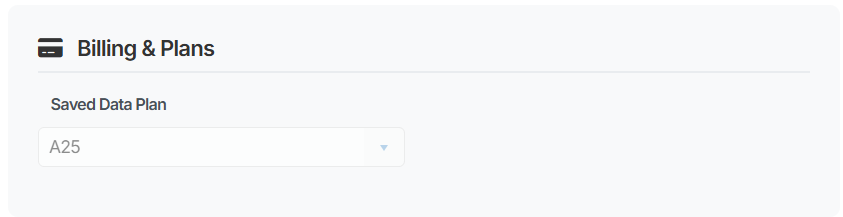
Billing plan
Section titled “Billing plan”This section displays the billing plan associated with the device. Only Tenant admins can view this section.
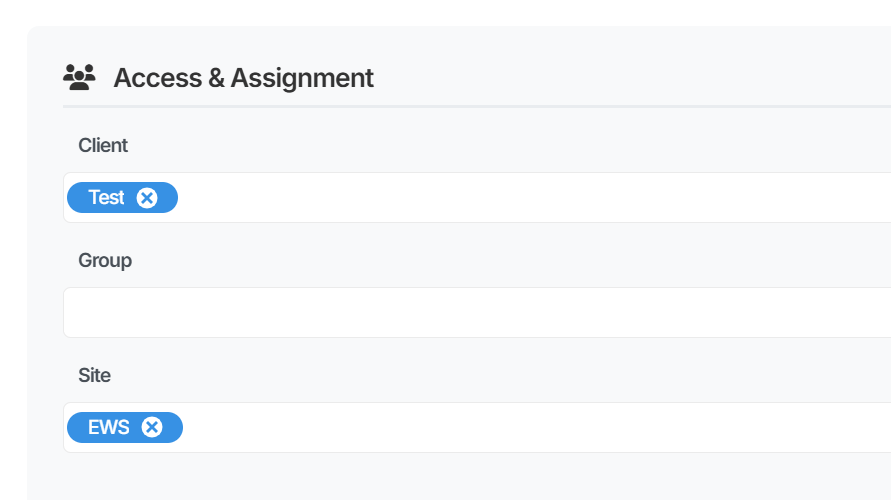
Access and assignment
This section controls how the device is organised and assigned within Orion Data.
| Field | Description |
|---|---|
| Client | The client account the device is assigned to. |
| Group | The group the device belongs to. Groups are typically used for data export configuration and are managed by EWS Australia. Do not remove an existing group assignment. |
| Site | The site the device is assigned to. Sites can be created based on location or organisational requirements. |
Location
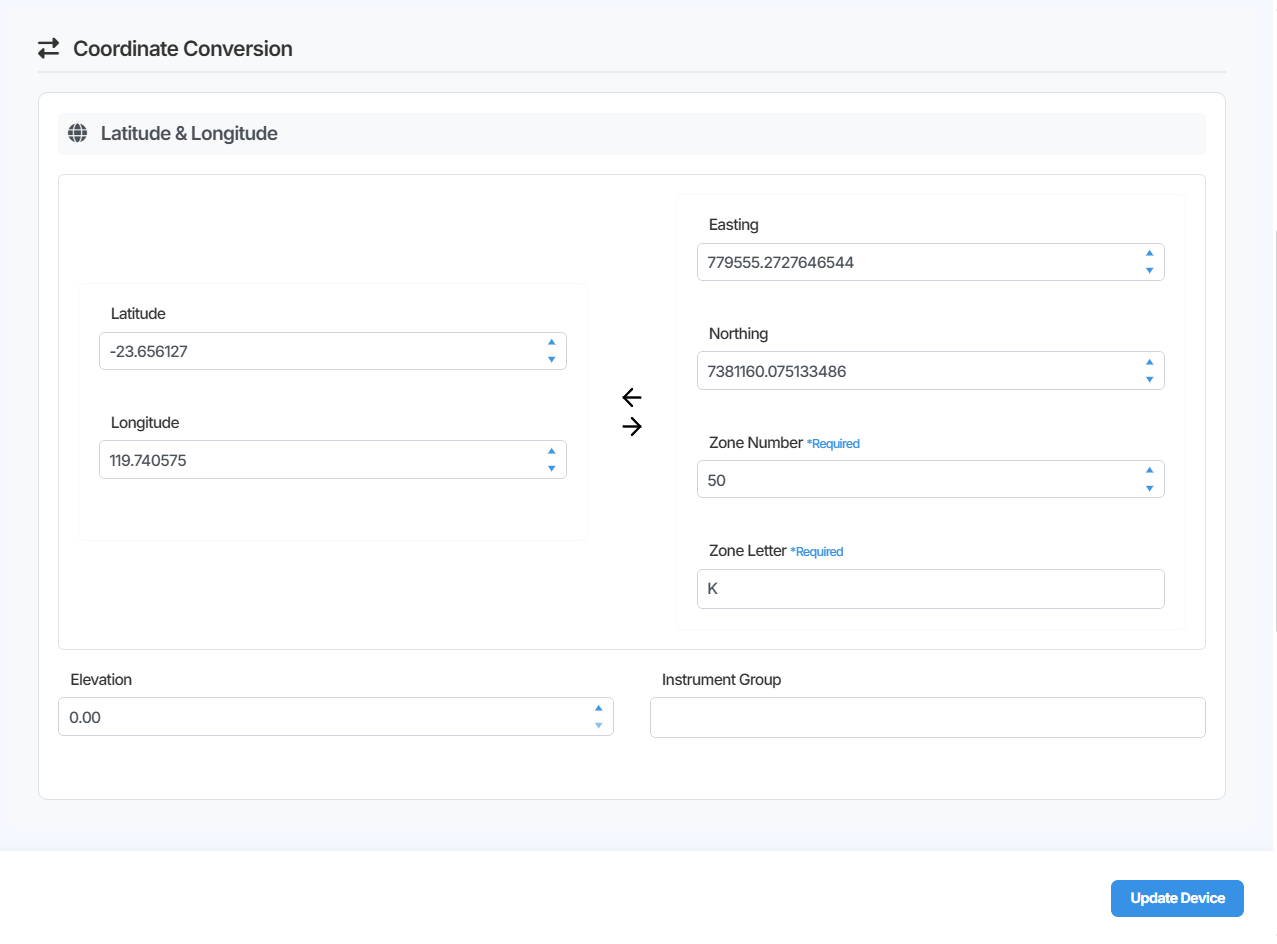
This section sets the geographic position of the device, which determines how it appears on the Map View.
You can enter the device’s location in one of two ways:
- Enter the Latitude and Longitude values directly.
- Enter the Easting, Northing, Zone Number, and Zone Letter values. Orion Data will automatically convert these to latitude and longitude.
Where possible, it is recommended to obtain and enter the latitude and longitude values directly, as this is the most reliable method.
All users can update the location fields.
 Summary
The Device Configuration page allows tenant admins and super users to manage the full range of device settings in Orion Data, including basic information, timezone and data rounding behaviour, billing plan details, access and site assignment, and geographic location. Basic users can update the device’s latitude and longitude. Changes to the billing plan and group assignment should be made with caution.
Next Steps
Section titled “Next Steps”- Review your device’s location on the Map View after updating latitude and longitude.
- Confirm site and client assignments are correct for your organisation’s structure.
- Contact EWS Australia if changes to the billing plan or group assignment are required.