

Review and export data
Export sensor data
Select a device channel and date range, then export the displayed readings.
This is useful for offline analysis, reporting, or sharing data with stakeholders who do not have access to the platform.
-
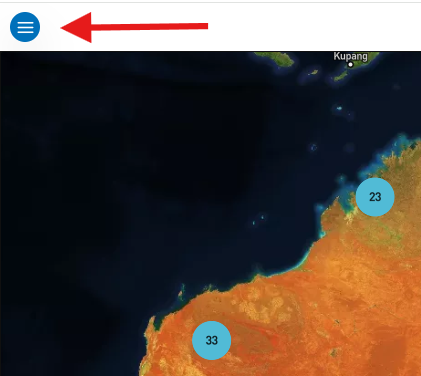
Select the menu icon (three horizontal lines) in the top left-hand corner of the screen.
-
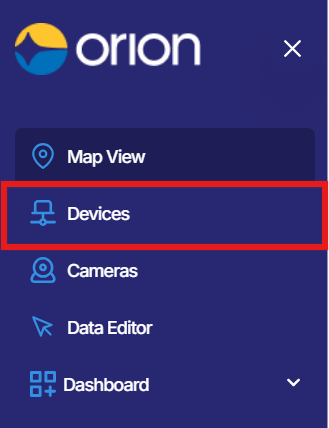
Select Devices from the menu. The Devices page will open.
-
Locate the device you wish to export data from, then select the arrow icon on the far right of that device row to open the device.
-
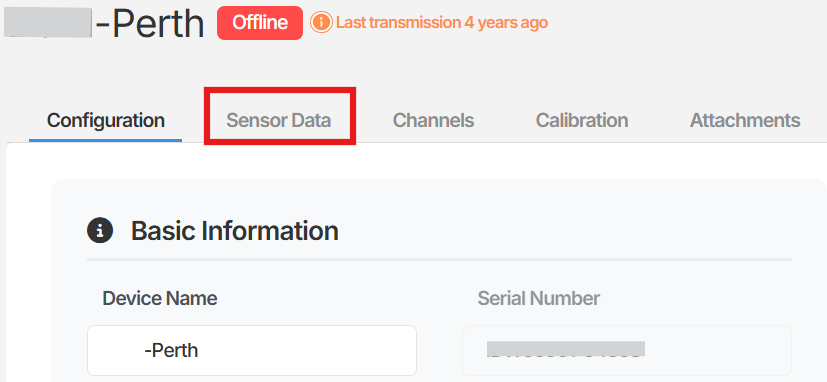
Within the device, select Sensor Data.
-
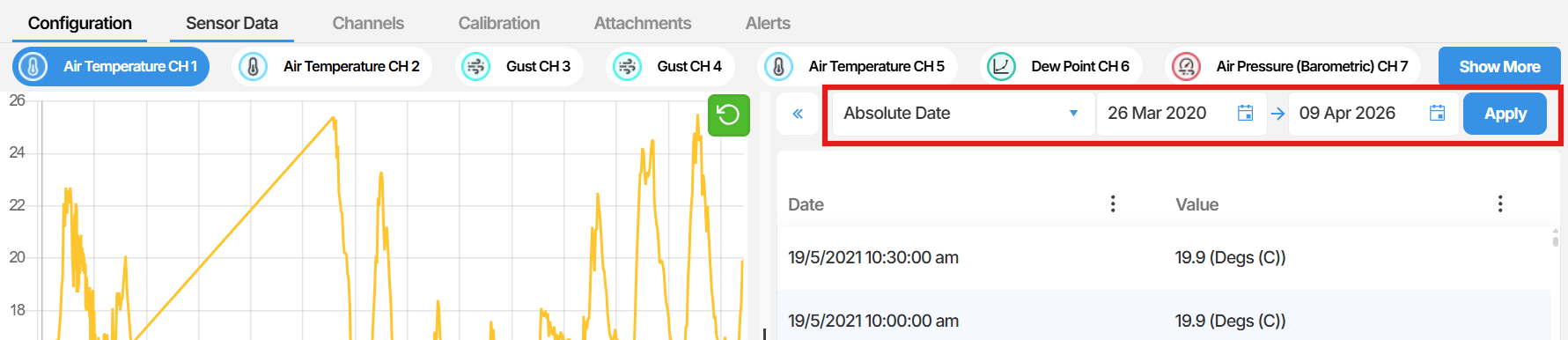
On the Sensor Data page, you will see a graph and a table of readings. Select the channel you wish to export data from using the channel selector displayed above the graph.
-
Select the date range you wish to export using the range selector (for example, Last 14 days or Last 1 month).
-
Once you have selected the channel and range, select the Export table to Excel icon on the far right of the range selector. The icon appears as a page with a downward-pointing arrow.

-
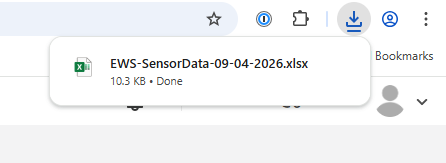
A notification will appear in the top right corner of the screen confirming the export. Open your browser’s Downloads folder to locate the file. The exported file will be named in the format EWS-SensorData-[date] and will open as an Excel document.
Summary
Section titled “Summary”This article outlined how to export sensor data from a device in Orion Data. You can export data for any available channel and date range directly to an Excel file from the Sensor Data page. The exported file is saved to your browser’s downloads folder and is ready to open or save locally.
Next Steps
Section titled “Next Steps”- Review the exported data in Excel to identify trends or anomalies
- Apply a date range filter to narrow your export to a specific period of interest
- Share the exported file with stakeholders or import it into a reporting tool
Related articles
Section titled “Related articles”- Viewing sensor data in Orion Data
- Understanding device channels and sensor readings
- Navigating the Devices page in Orion Data