

Manage access
Assign sites to a user
Select site assignments in a user profile and save the updated account.
Assigning sites controls which locations and associated devices a user can access within the platform. This task is typically performed by an administrator.
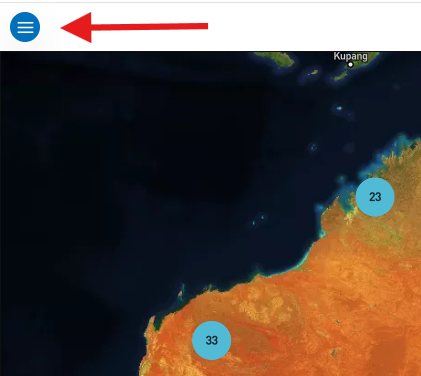
- Select the menu icon (three horizontal lines) in the top left-hand corner of the screen.
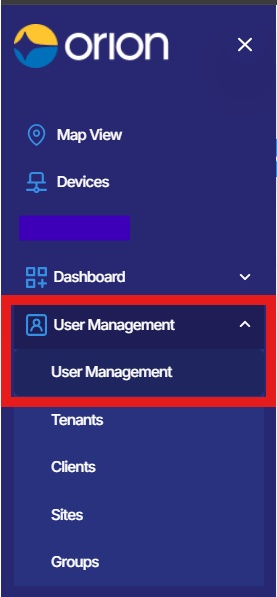
- Click User Management, then select User Management again from the submenu that appears.
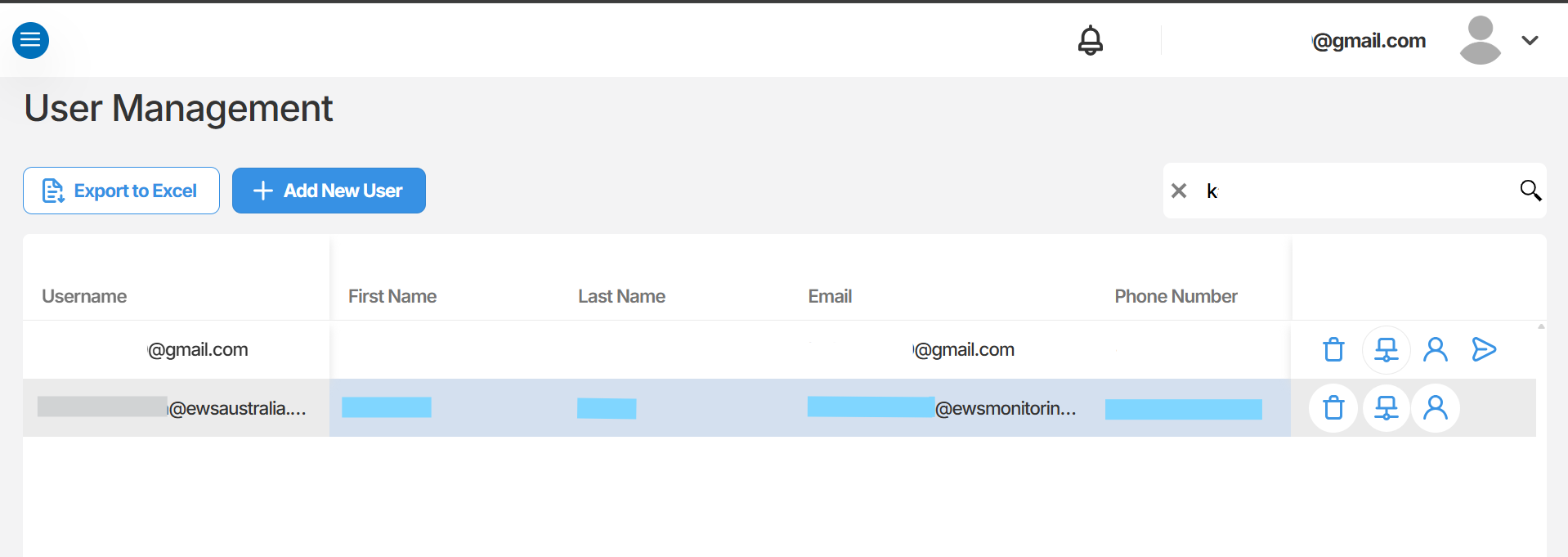
- Once the User Management page loads, use the search field to locate the user who requires sites to be assigned.
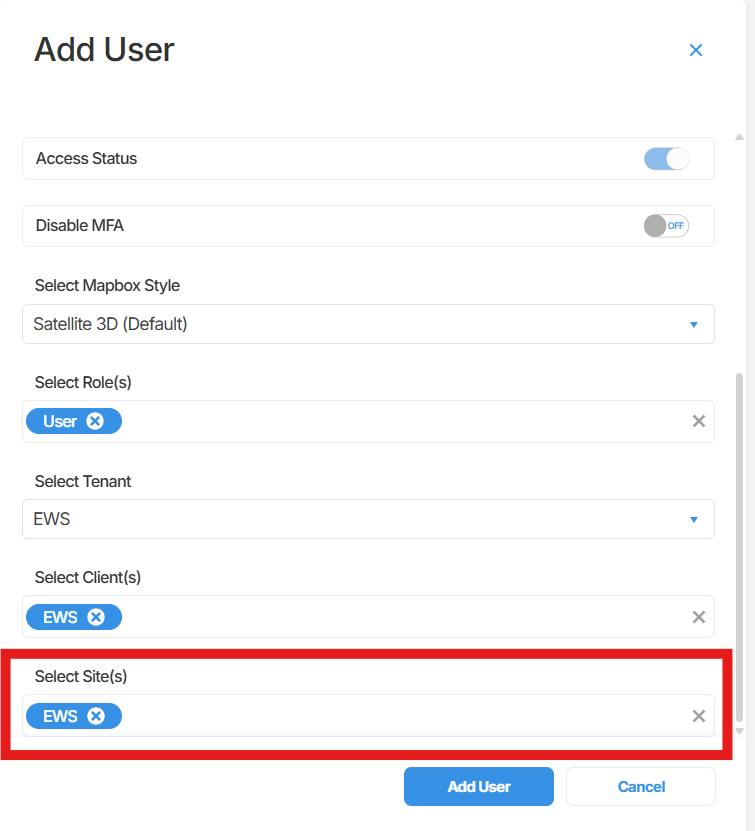
- Click on the user’s account to open their profile. Scroll to the bottom of the tab and locate the Sites field. Use the dropdown to select the site or sites you wish to assign to the user.
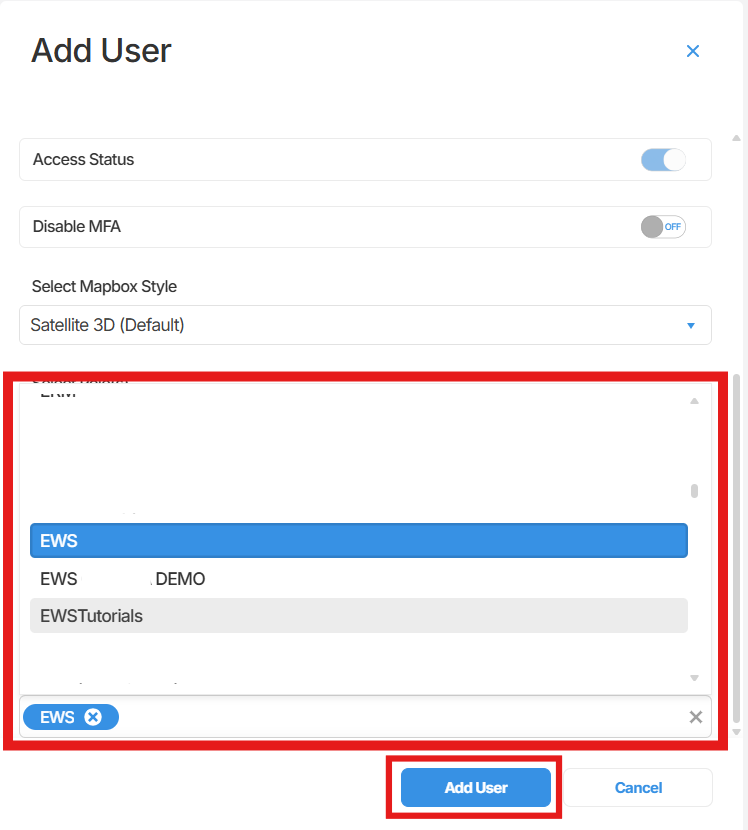
- Click Update User to save your changes. A green confirmation message reading “User has been updated successfully” will appear in the top right corner of the screen.

Summary
Section titled “Summary”This article covered how to assign sites to a user account in Orion Data via the User Management section. Assigning sites ensures users can only access the locations and devices relevant to their role. Changes take effect as soon as the account is updated.
Next Steps
Section titled “Next Steps”- Review the user’s assigned role to confirm it aligns with their required level of access.
- Verify the user can view the correct devices after sites have been assigned.
- Repeat this process for any additional users who require site access updates.
Related articles
Section titled “Related articles”- Getting started with User Management in Orion Data
- Understanding user roles and permissions in Orion Data
- Inviting a new user to Orion Data