

Build and share dashboards
Share a dashboard
Choose the users who can access a dashboard and save its sharing settings.
You can share a dashboard in view-only mode or grant selected users full editing access.
-
Select the menu icon (three horizontal lines) in the top left-hand corner of the screen.
-
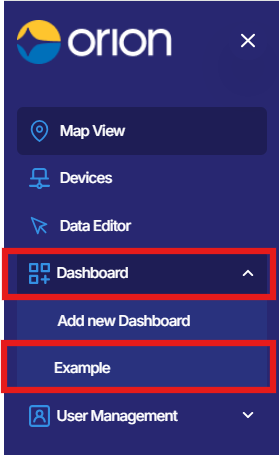
Navigate to Dashboards and select the dashboard you wish to share.
-
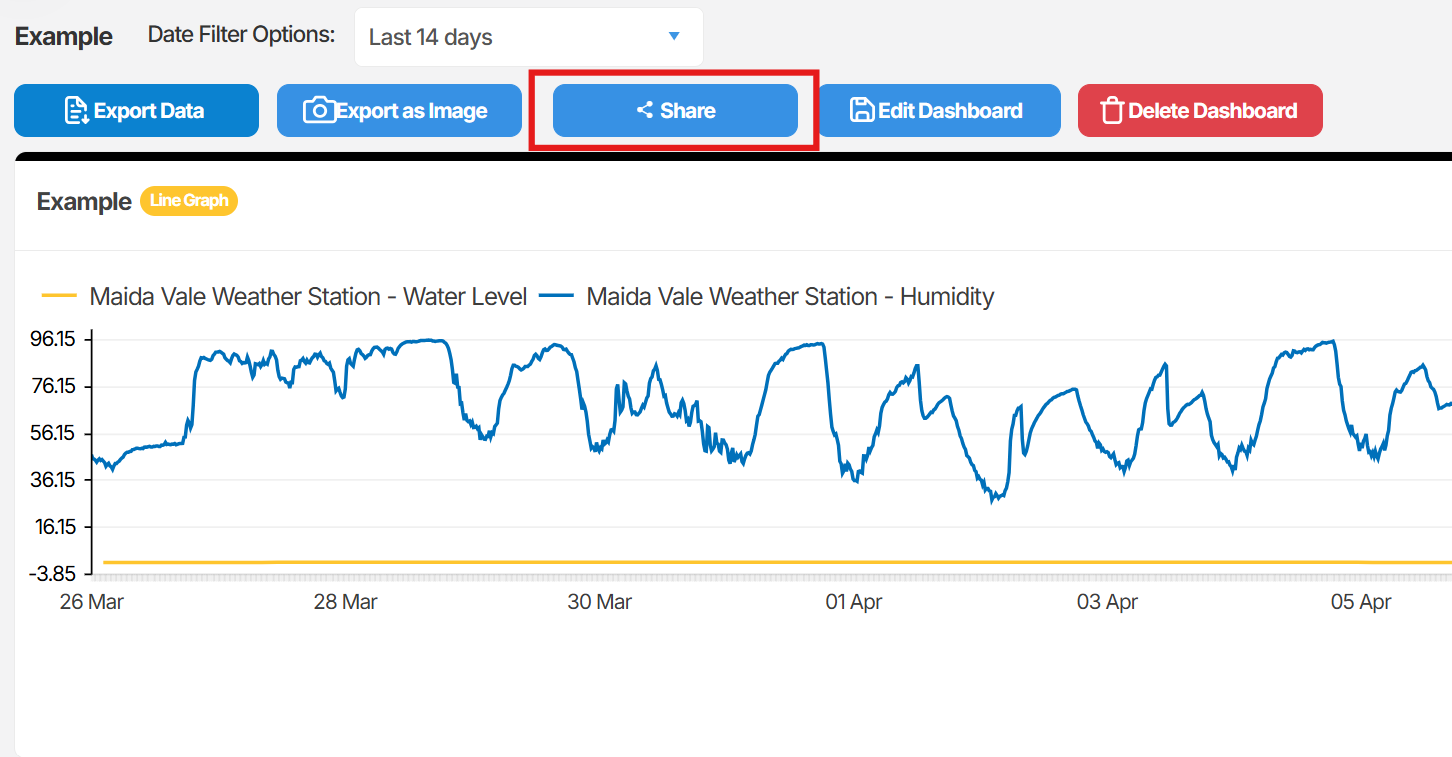
Select Share, then select Share Options.
-
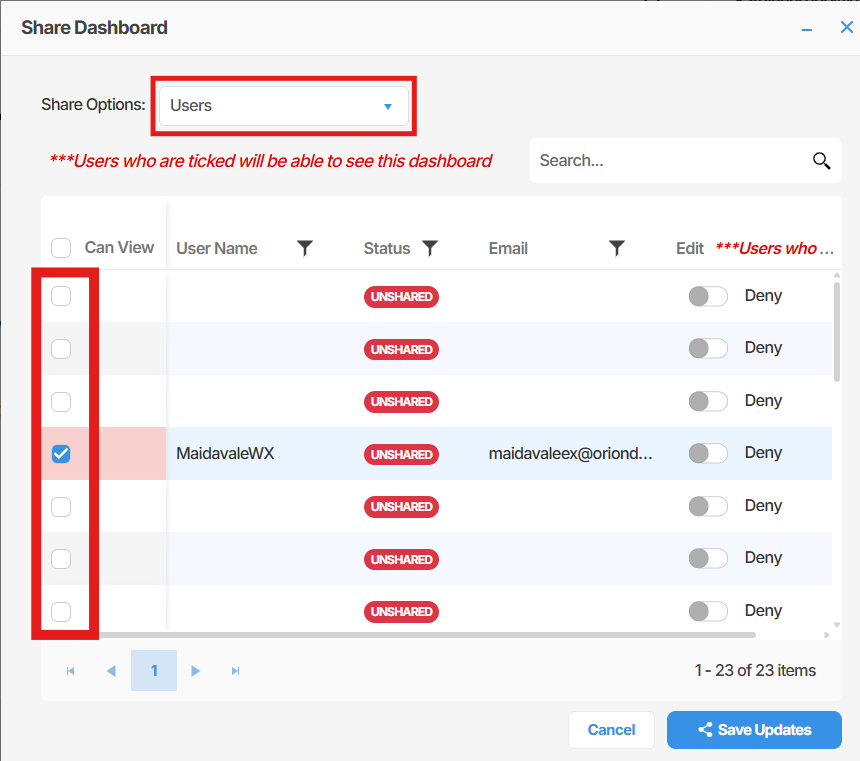
Select User to display the list of available users.
-
Tick the checkbox next to each user you wish to share the dashboard with. You may select more than one user.
-
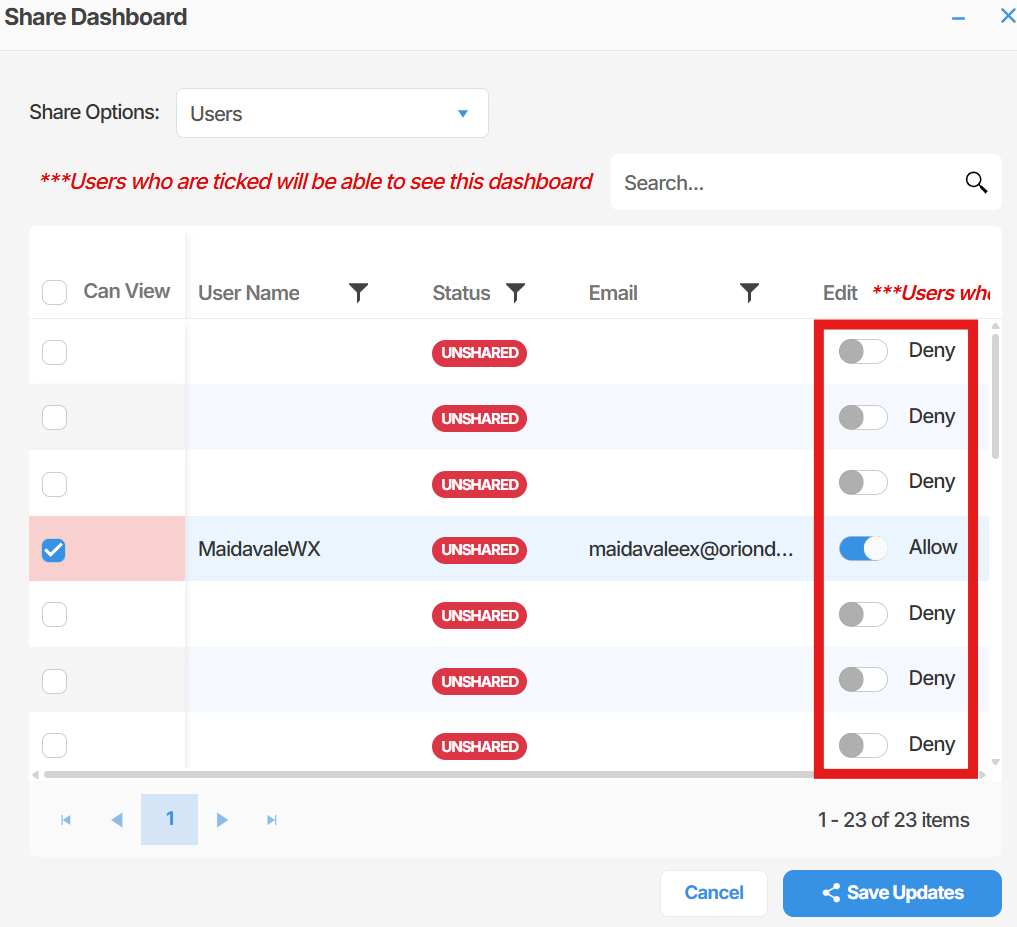
If you wish to grant a user full editing access to the dashboard, enable the toggle next to their name. when you enable the toggle to “Allow” that user will have full access to the shared dashboard, meaning the will be able to edit and add tiles on the dashboard.
-
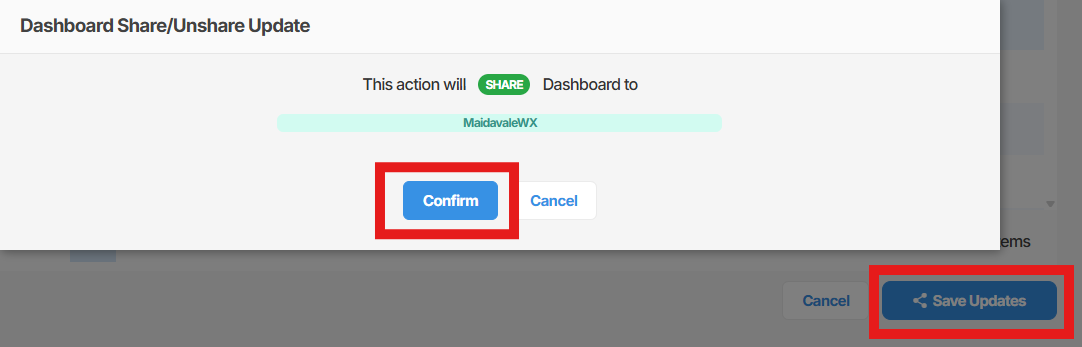
Select Save Updates, then select Confirm to apply the changes.
Summary
Section titled “Summary”This article outlined how to share a dashboard with one or more users in Orion Data. You can share a dashboard in view-only mode by ticking the relevant users, or grant full editing access by enabling the toggle next to each user’s name. Changes take effect after selecting Save Updates and confirming.
Next Steps
Section titled “Next Steps”- Review which users currently have access to your dashboards from the Share Options panel
- Consider whether shared users require editing access or view-only access before sharing
- Create additional dashboards tailored to specific users or teams
Related articles
Section titled “Related articles”- Create a dashboard
- Managing dashboard widgets in Orion Data
- Understanding user roles and permissions in Orion Data